Know what comes next.
Get a sequence that builds interest, introduces your offer, explains its value and invites the next step.
 MODERN BIZ STUDIOCAMPAIGN COLLECTION
YOUR OFFER. YOUR BRAND. YOUR NEXT CAMPAIGN.
Stop starting every promotional post from scratch.
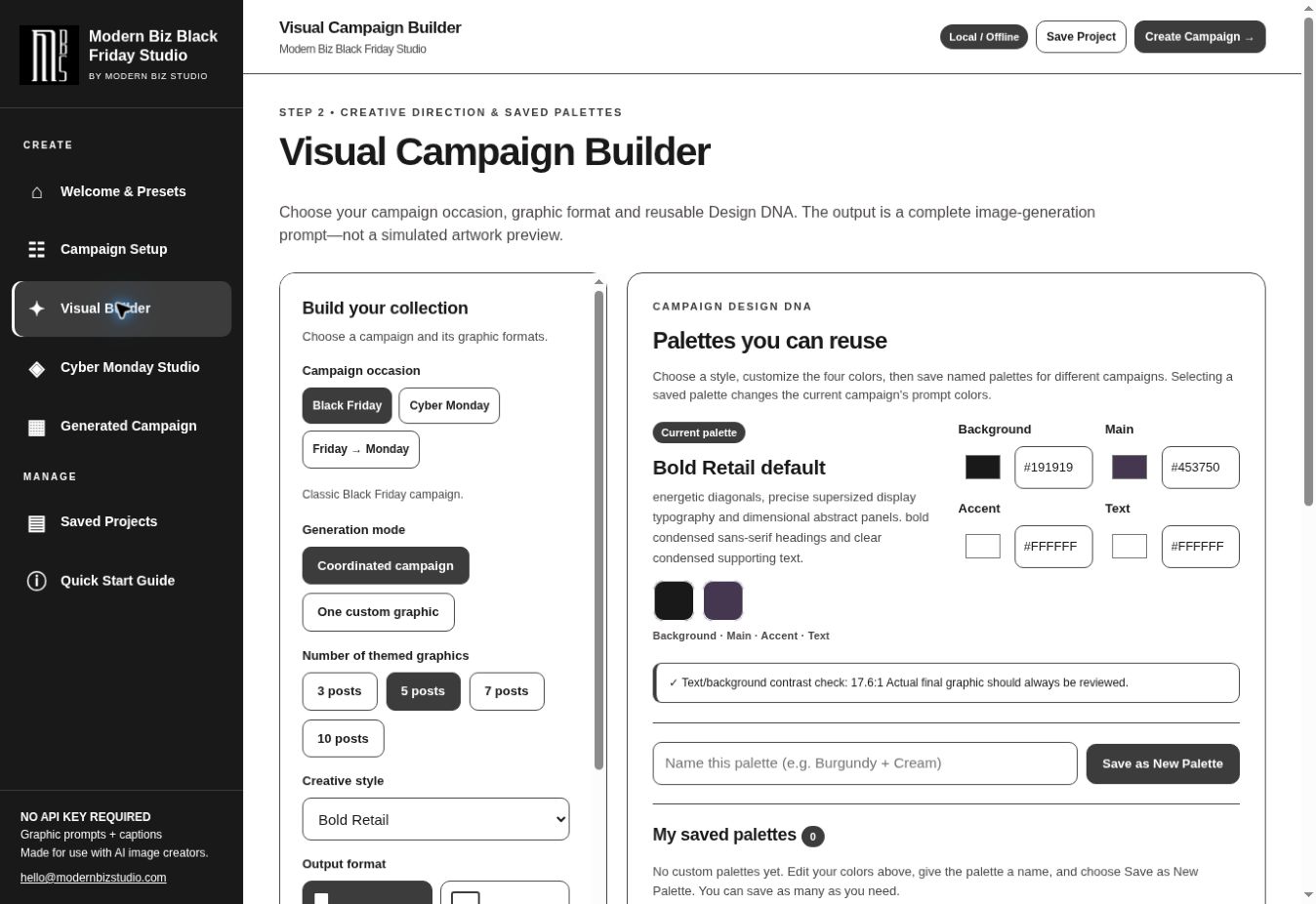
Turn your offer into a sequence of image prompts, headlines and matching captions—so you have a starting point for every post. Plan Black Friday with one studio, and keep your year-round promotions moving with the other.
Open in your browser · No API setup · Finished images created separately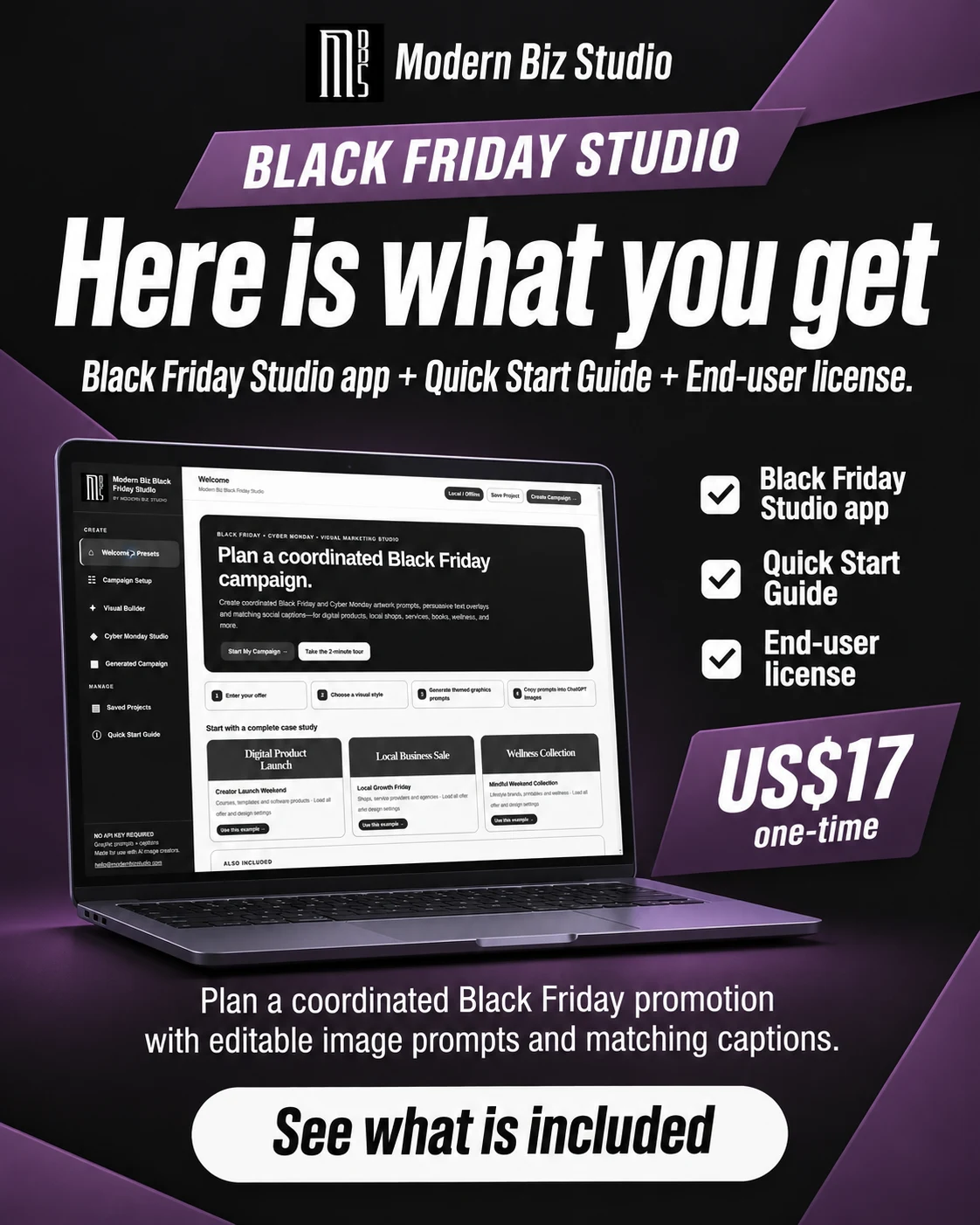
LESS SECOND-GUESSING. MORE TO WORK WITH.
Deciding what to post, writing another caption and getting the visuals to match can turn one promotion into a pile of unfinished tasks. Start with a connected plan you can edit.
Get a sequence that builds interest, introduces your offer, explains its value and invites the next step.
Carry your colors and visual style across the campaign. Choose the subject for each image, from a product or lifestyle scene to typography alone.
Work from suggested headlines, calls to action and matching captions. Refine the wording to suit your voice instead of facing another blank page.
THE PRODUCT, PROMOTING ITSELF
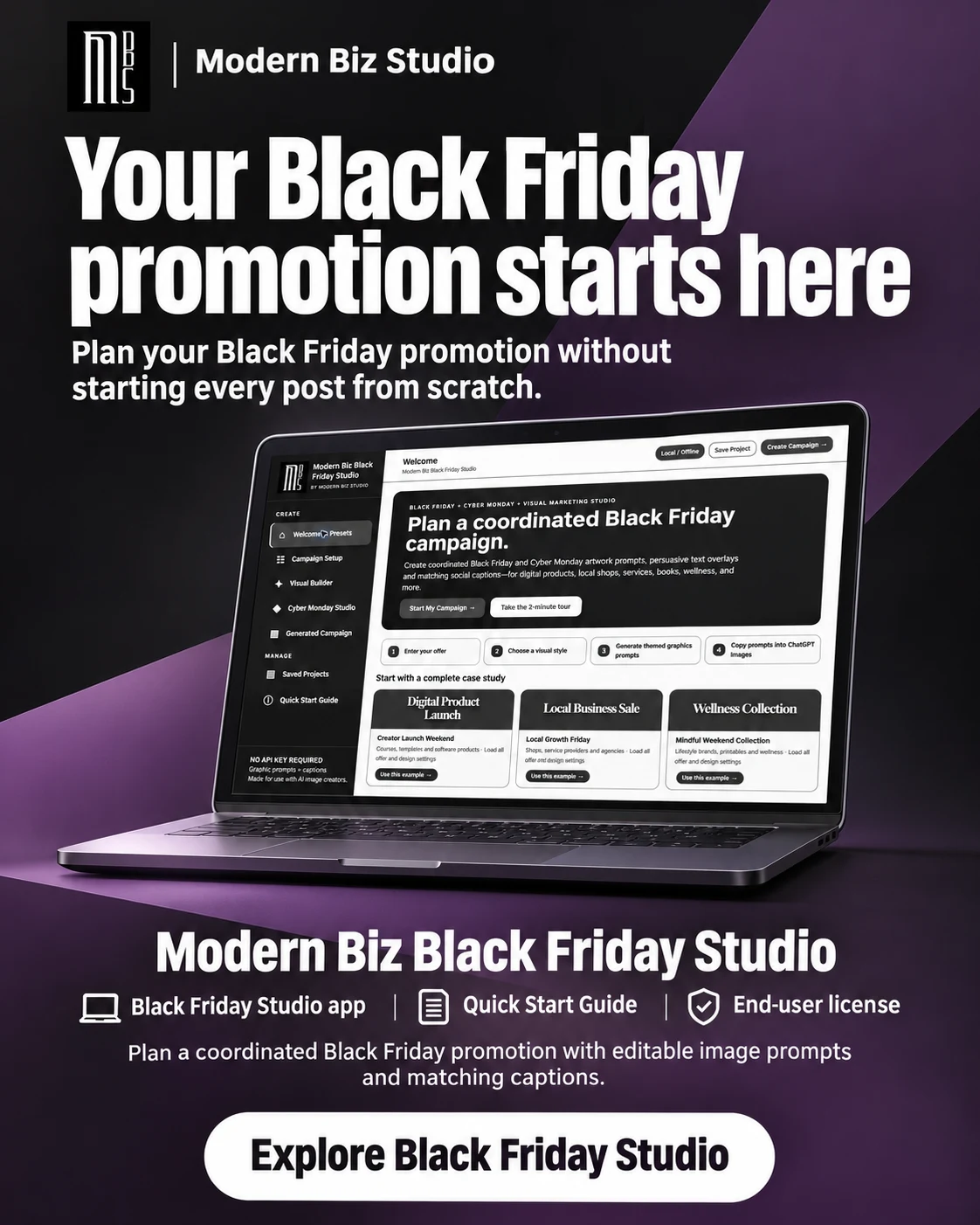
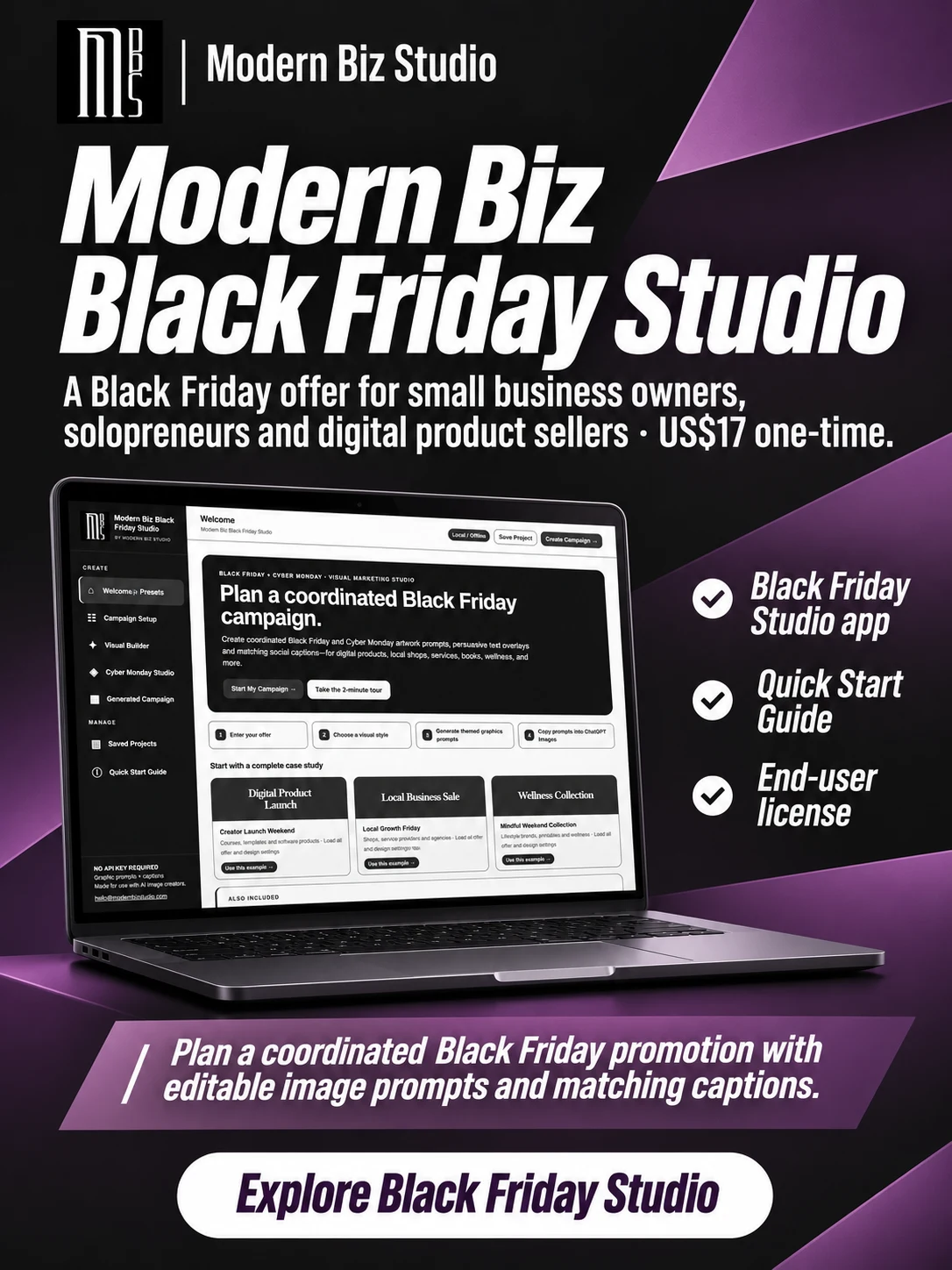
These five visuals started with the prompts the Black Friday Promo app produced for its own app launch.
Created from prompts exported from the app, using our logo and an authentic app screenshot as references. We customized the final post’s benefit line inside the app. The image creator rendered the finished artwork and laptop mockups; hardware is not included. The benefit image’s call to action was refined after generation. Results vary. Click any image to enlarge.
LOOK BEHIND THE IMAGE
We entered the app name, $17 price, audience, included items and intended outcome. The app organized the sequence and produced editable prompts and captions.
Original exported prompt. The benefit image’s final call to action was subsequently revised to “Start planning your Black Friday campaign.”
A SIMPLE CREATIVE WORKFLOW
Add your product, audience, price, benefits and a real deadline if you have one.
Select your colors, style and image subject. Show prices, hide them, or save them for the final image. Override a choice for any post.
Copy a prompt into an image creator. Review the artwork and pair it with the matching caption.
The apps build prompts and captions. They do not render images, publish posts or process payments.
MEET YOUR TWO STUDIOS
Choose the app for the promotion you have in mind, or keep both ready for your next offer.
01 / THE SEASONAL SPECIALIST
Bring your Black Friday posts together with a sequence that builds interest and explains the offer. Give Cyber Monday its own price, message and deadline when you need a separate promotion.
02 / YOUR YEAR-ROUND CREATIVE TOOL
Promote more than your next sale. Create coordinated image prompts and matching captions for product launches, webinars, lead magnets, local business offers and special promotions—with 15 campaign types to choose from. Keep your marketing moving all year long.
Six fictional offers, six uses for Promo Studio. Each artwork was created separately from a prompt generated in the app. Names, products, people and the sample deadline are illustrative.
These labels describe uses; the app’s strategy names may differ. It also supports webinars, workshops, courses, books, services and other campaigns. Finished images are created in a separate image tool and should be reviewed before use.
A DIFFERENT BUSINESS. A DIFFERENT LOOK.
Promo Studio example: a fictional $8 coffee-and-croissant offer. Three stages from a five-post campaign, using its own Soft Lifestyle palette.
Fictional Morrow Coffee demonstration. Unchanged prompts from the updated Promo Studio app; visuals generated separately with ChatGPT’s image creator. No real customer results or endorsements are implied.
CHOOSE YOUR NEXT MOVE
Use either studio to promote your own business or create campaigns for paying clients. You can charge for your work and deliver the campaign materials you create.
SEASONAL CAMPAIGNS
One-time app purchase
YEAR-ROUND CAMPAIGNS
One-time app purchase
THE COMPLETE PAIR
One-time · $44 when purchased separately
Image creation uses a separate tool, which may have its own costs. The app and its access link are licensed to you. You may not share, give away, rebrand, or resell the app or its access link. Read our refund policy.
BEFORE YOU CHOOSE
The apps create editable image prompts and matching captions. Copy a prompt into ChatGPT’s image creator or another compatible tool to produce the artwork. Image creation requires a separate service and may involve fees or limits.
Yes. We entered the offers through the updated apps, generated and exported their prompts, and passed those prompts unchanged to the image creator. The Black Friday example uses the $17 Black Friday Studio offer, our logo and an authentic app screenshot as references. We customized the final benefit line in the app before exporting. The benefit image’s call to action was later refined to “Start planning your Black Friday campaign.” Laptop mockups are generated illustrations based on that screenshot. The café is fictional. The opening image demonstrates the newer Hide Price setting, generated from an exported app prompt. Your images may differ and should be checked before publishing.
Yes. Enter your own offer and audience, choose your colors and visual direction, then edit the generated text. Your campaign branding can be yours. That does not grant rights to rebrand or resell the software.
Yes. Both apps let you show prices, hide them or show them only on the final campaign image. You can override that choice for an individual post. This controls the image prompt; captions remain separately editable. Always check the finished image before posting.
No. Choose typography and abstract graphics, a direct product preview, a laptop, phone, tablet, sample-output showcase, physical product or lifestyle scene. You can use a different subject for each post. Supply your actual screenshots or artwork to the image creator when needed.
After checkout, open your Payhip purchase page and follow the studio link. You can return through your receipt. Duo buyers can open each studio from their Payhip account. Use a desktop browser with internet access. Each studio includes a Quick Start Guide and license.
Projects stay in the browser you use. Export a JSON backup before clearing browser data or switching devices. If you previously used the downloadable edition, you can export those projects there and import them into the hosted studio.
Yes. You can use either studio for your personal projects, your own business, or paid client marketing. You can deliver campaign materials to your client. You may not give the client the app, sublicense it, or sell it under your own brand.
These are digitally delivered browser apps. If you cannot access your studio or it does not work as described, email support@modernbizstudio.com within 7 days of purchase with your order details. We’ll help troubleshoot. If we cannot resolve the issue, we’ll refund the affected purchase.
Change-of-mind refunds are not offered after you access the studio. This policy does not limit your rights under applicable consumer law.
Choose Black Friday Studio for Black Friday and Cyber Monday campaigns. Choose Promo Studio for year-round offers and launches. Choose the $37 Duo if you want both.
YOUR NEXT OFFER DESERVES A PLAN.